Tunny#



⚠ WARNING: Some of the features of Tunny can be relatively unstable sometimes, such as using the output in Grasshopper again.
Capabilities#
Optimisation & exploration
- Single-objective
- Multi-objective
- Constraints
- Multiple algorithms
- Sampling
- Optimisation dashboard
Data management & visualisation
- Save geometry (phenotypes)
- Save results
- See and restart previous runs
- Visualise results in Rhino/GH
Installation#
Tunny can be installed either via food4rhino or the Rhino Package Manager.
Getting Started#
To get an overview of the Tunny plugin and the available components, please see the Tunny documentation.
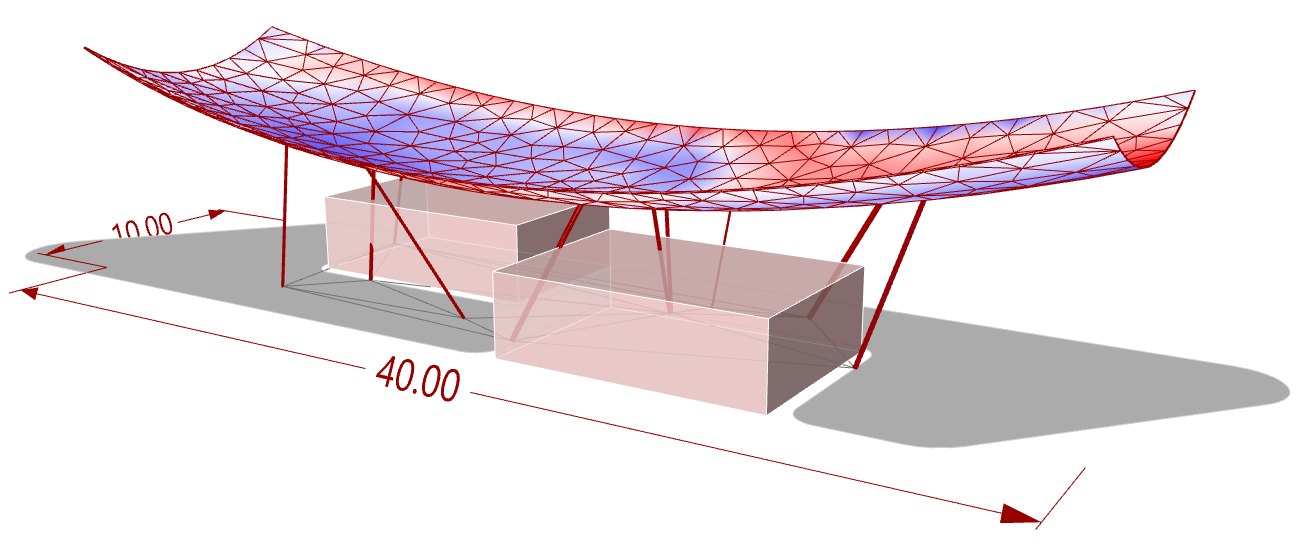
Below we will highlight and elaborate a bit on some of the most important features of the package, and how they can be used in our workflows. The following Karamba3D model is used as an example.
Tunny Optimisation Component#
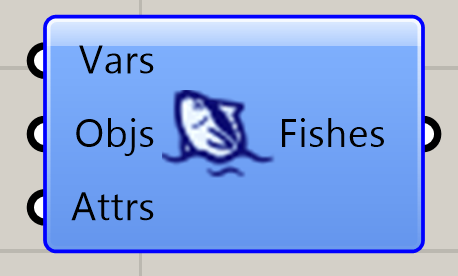
Tunny is the main component of the package. It combines design variables, objective(s) and constraints and perform the actual opimisation or exploration.
Input:
Vars: Sliders (or gene pools) that represent the design variables
Objs:
Attrs: